Brand GEO Audit — your identity as seen by AIs
How the GEO Audit works — the on-demand audit that queries ChatGPT, Gemini and Perplexity with identity questions about your brand and synthesises a report with perceived identity, associations, strengths and weaknesses, distortions to fix, cited alternatives, sentiment by source and recommendations, plus the full answers and the audit history. The number of audits per month depends on the plan.
Prompt monitoring tells you whether AIs cite you. The GEO Audit answers a different question: what they say about you when someone asks who you are. It’s the equivalent of a brand reputation analysis, done by querying AI assistants directly.
Where to find it
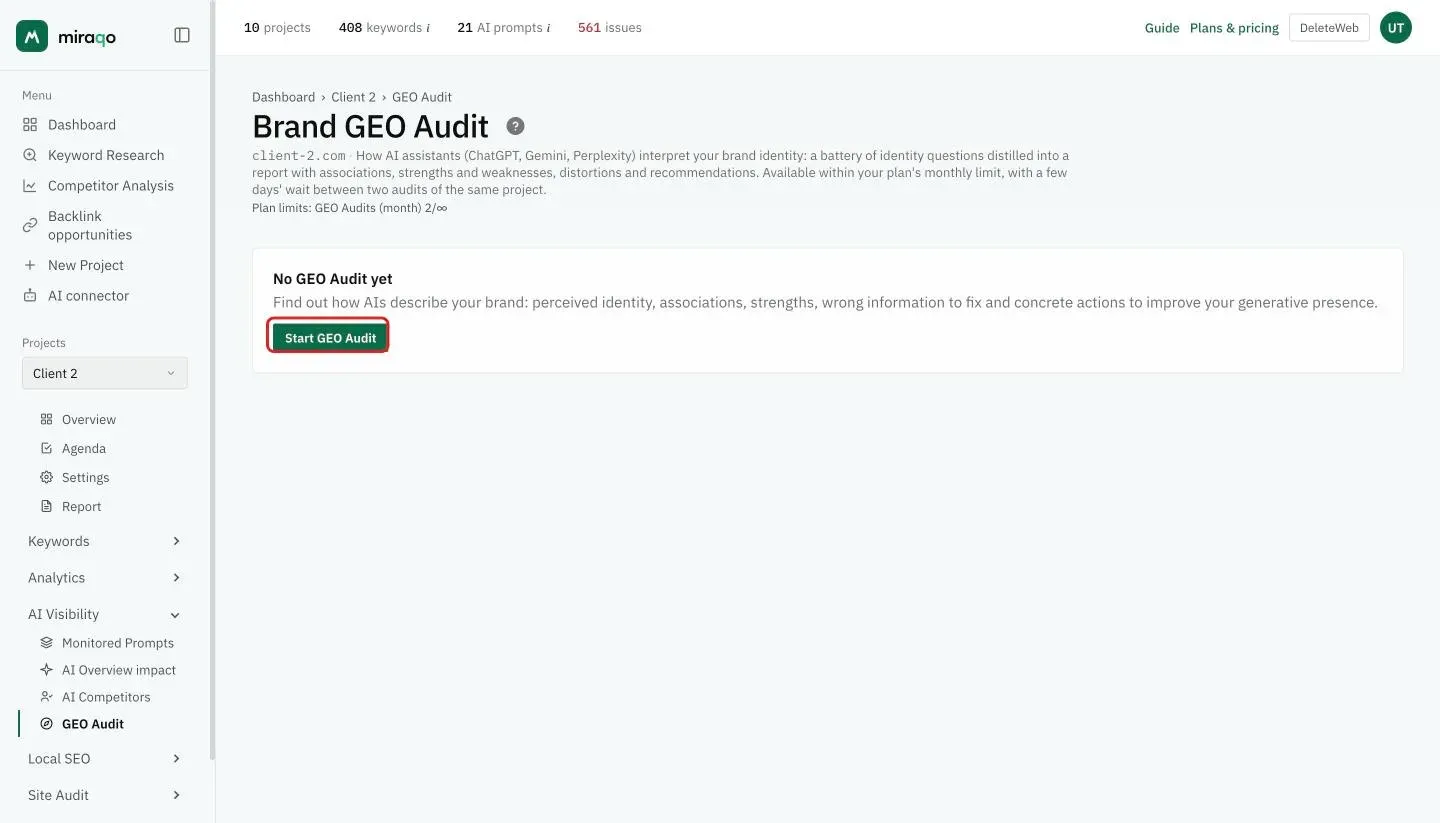
Open the project → sidebar group AI Visibility → GEO Audit. Click Start GEO Audit to launch it.
How it works
Miraqo asks ChatGPT, Gemini and Perplexity a battery of identity questions about your brand — the same ones a prospective customer who doesn’t know you yet would ask:
- What is brand and what does it do?
- What are its strengths and weaknesses?
- Is it trustworthy? What’s its reputation?
- What are the best alternatives and how do they compare?
- Who is it a good fit for, and for which needs would you recommend it?
The questions are asked as an anonymous user, in the language of the project’s market: language weighs heavily on the answer, and the same question in English or in Italian can make the AI confuse the brand with another one. ChatGPT and Gemini are normally queried through the real chat, the same one used by people who open the assistant, not through the developer APIs, which see fewer sources.
The collected answers are then distilled into a structured report. The audit is usually ready within an hour: the page shows an “in progress” state — reload it later to see the report.
How to read the report
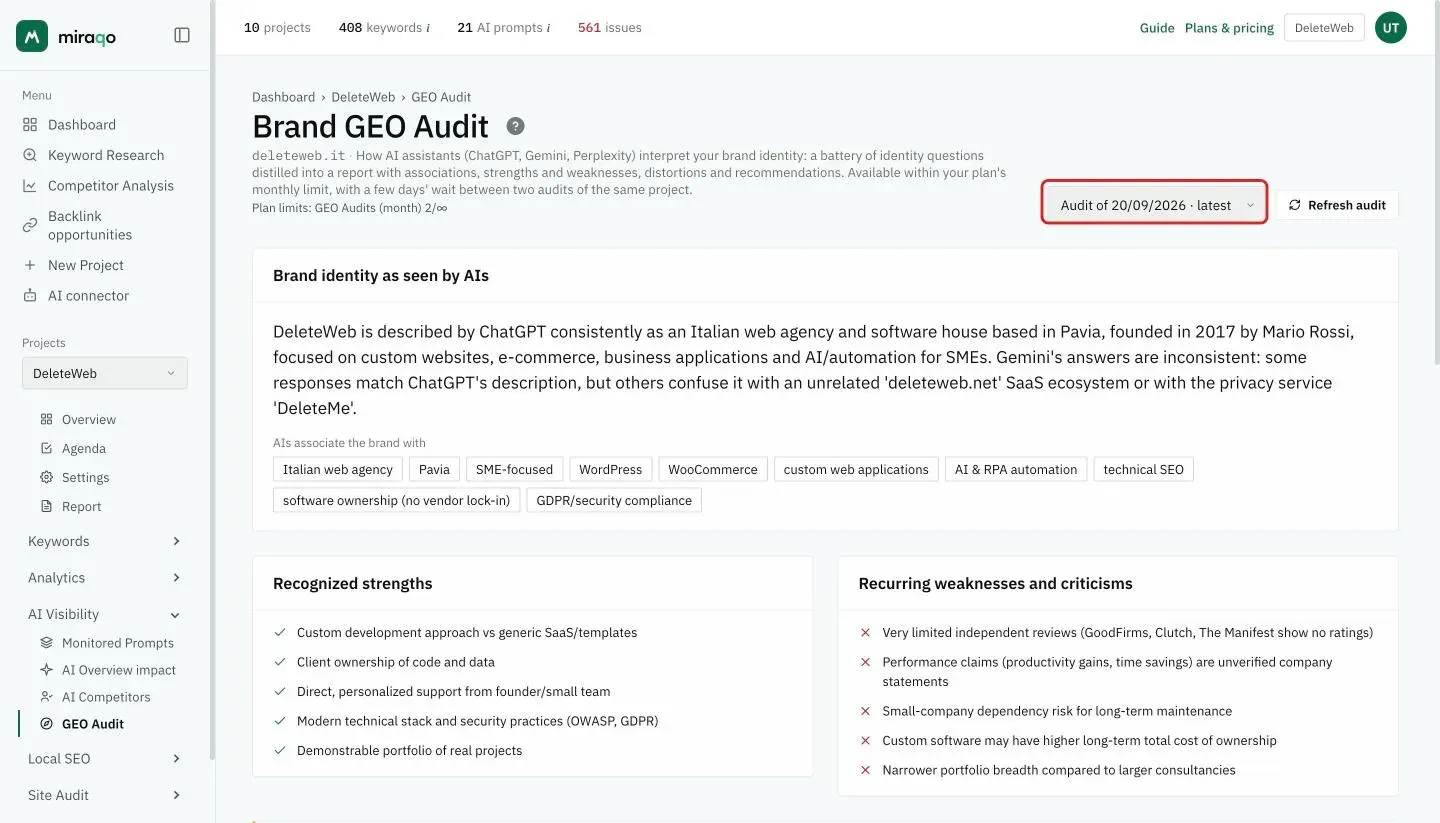
- Perceived identity — how AIs describe the brand in summary: it’s the “business card” assistants hand to anyone who asks about you
- AIs associate the brand with — the recurring concepts and themes in the answers: if the themes you want to be positioned on are missing, there’s a gap to close
- Recognized strengths — what AIs cite in your favour
- Recurring weaknesses and criticisms — what AIs flag as a limitation
- Distortions — wrong, outdated or inconsistent information across sources (old prices, discontinued features, confusion with other brands): these are the most actionable, because they’re fixable by publishing updated, structured information
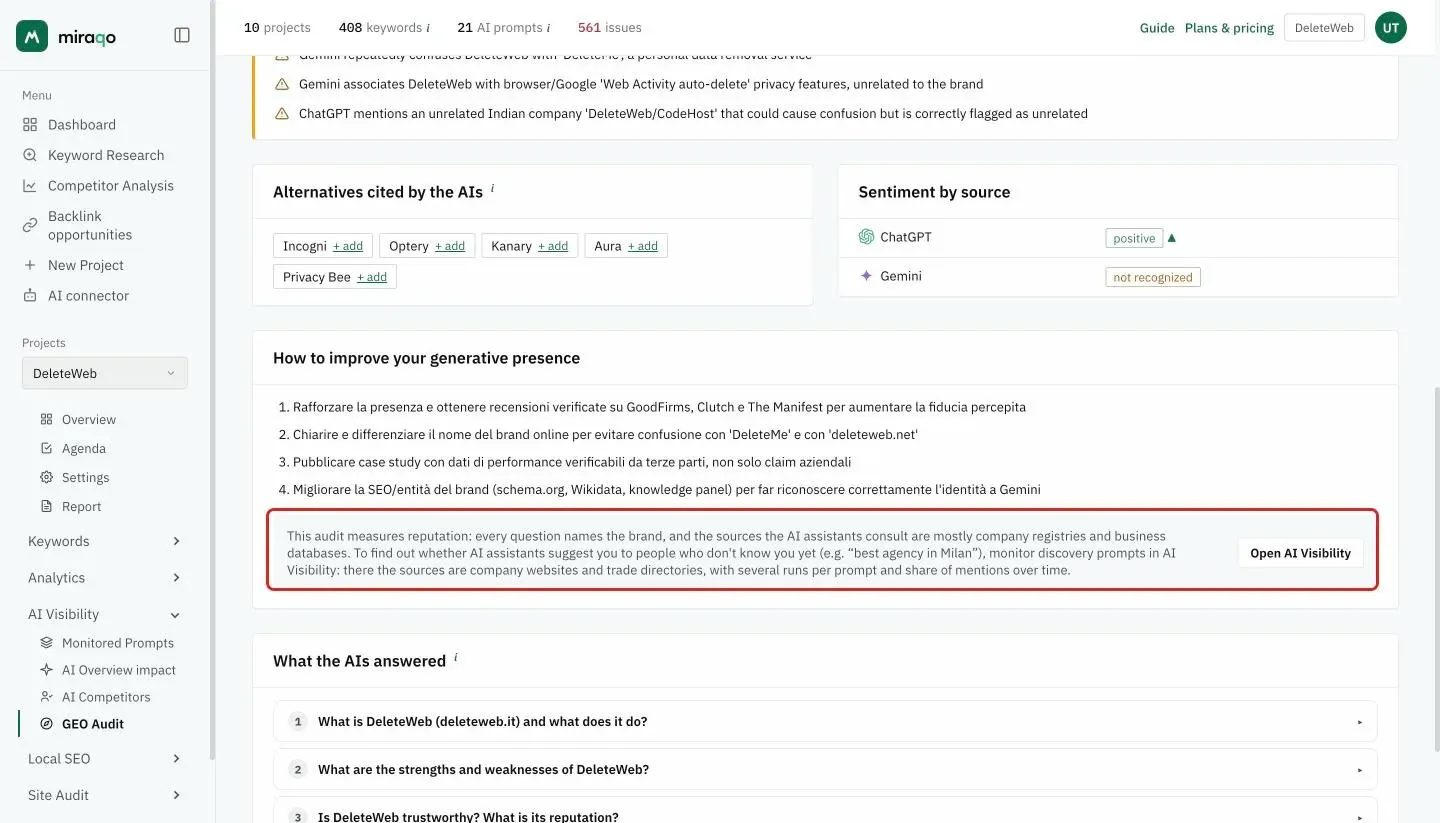
- Alternatives cited by the AIs — the brands AIs suggest when asked “what are the alternatives”: they are the competitors in the AIs’ minds. Those already among your competitors carry the competitor tag; the others have a + add link that opens the competitors form pre-filled and brings you back here. Available for audits run from 23 August 2026
- Sentiment by source — overall tone (positive / neutral / negative) of each assistant, with a ▲/▼ arrow if it changed vs the previous audit. Not recognized means that assistant couldn’t say who you are or mistook you for something else: it’s the signal to look at first
- How to improve your generative presence — concrete actions suggested based on the findings
- Reputation and discovery — the grey box under the actions reminds you what the audit measures: every question names the brand, so the AIs draw mostly from company registries and business databases. To find out whether they recommend you to people who don’t know you yet (for example “best agency in Milan”) you need the discovery prompts of AI Visibility, where the sources are company websites and industry directories. Open AI Visibility takes you there
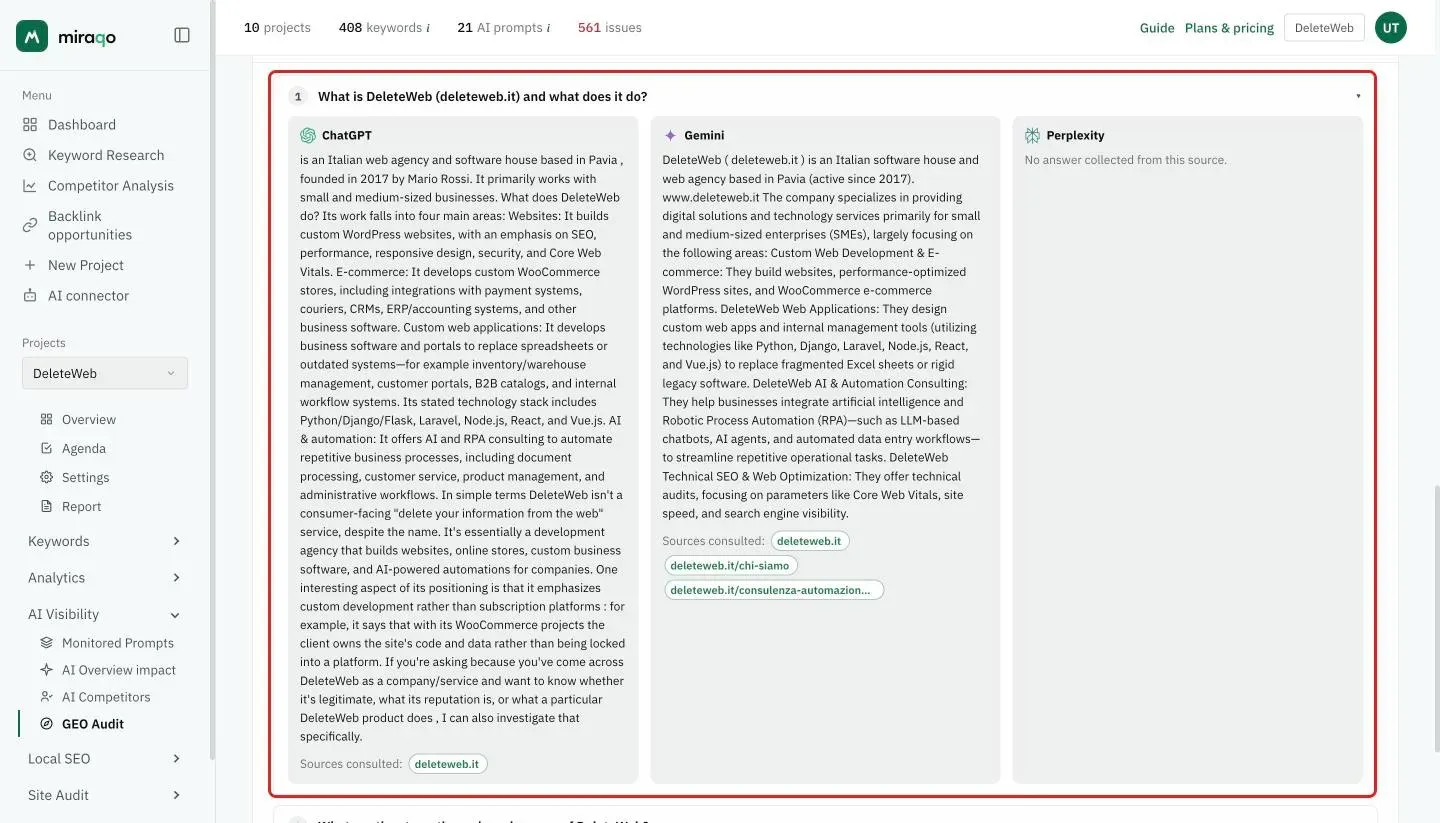
- What the AIs answered — at the bottom, the full answers collected, question by question and source by source (collapsed, click to open). They’re the proof of everything above: when a distortion looks odd, here you see exactly what that assistant wrote. The brand not mentioned tag flags answers in which the AI didn’t recognise you. Under each answer, Sources consulted lists the pages that assistant read to answer: those from your site have a green border. They are the most useful data for correcting a distortion, because they tell you where the AI took it from
Frequency, updates and history
The GEO Audit is on-demand. How many you can run in a month depends on the plan: 1 with Solo, 2 with Starter, 3 with Pro, 6 with Agency and 2 during the free trial, counted across all projects. On the same project, at least 7 days must pass between one audit and the next: after a completed audit, the Refresh audit button reactivates at the indicated date (“Next audit from …”). If an audit fails (e.g. an AI source temporarily unavailable) you can relaunch it immediately with Try again.
All audits remain available: when you have more than one, a selector at the top right (“Audit of dd/mm/yyyy · latest”) lets you reread past ones; the sentiment comparison is always against the audit immediately before the one you’re viewing.
Requires the run AI analyses permission on the project and an active subscription. The audit doesn’t use the plan’s AI Visibility credits: it has a dedicated monthly quota per plan.
What to do with the results
- Distortions → fix at the source: update official pages (prices, features, about us), company profiles and the sources AIs cite. AIs inherit errors from what they read.
- Cited alternatives → add them as competitors and follow them in AI Competitors: if AIs suggest them instead of you, it’s worth knowing on which prompts.
- Missing associations → if AIs don’t link you to a strategically important topic, you need dedicated, citable content on that topic (see the suggested FAQs as an editorial plan).
- Recurring weaknesses → if founded, work on the product; if they’re outdated perceptions, counter them with updated content (case studies, comparisons, reviews).
- Negative sentiment on a source → open What the AIs answered and read that source’s answers: there you see which sentences it comes from.
- Relaunch the audit after your interventions, leaving the AIs a few weeks to reread the pages, and compare with the history to check whether the AI narrative has shifted.
See also:
- AI Visibility — Report and prompts for continuous prompt monitoring
- AI Competitors to see how AIs treat your competitors
Last updated: 18 October 2026